
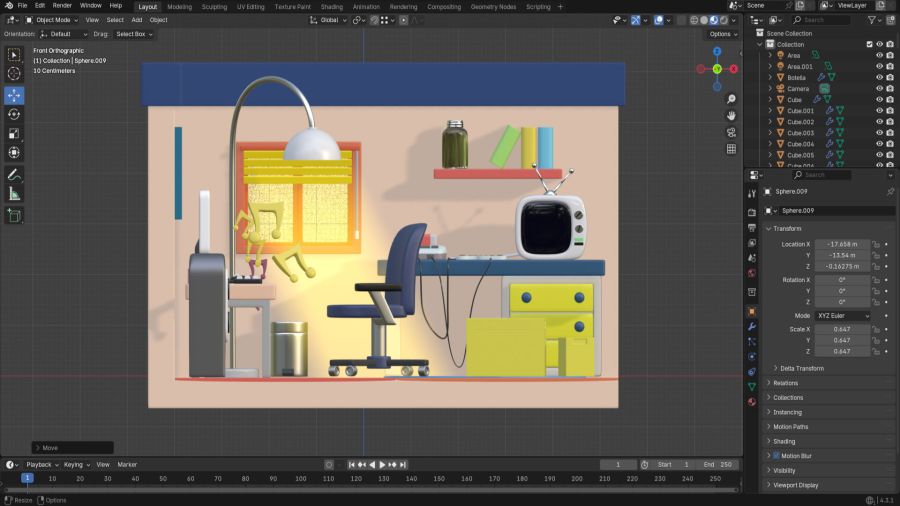
Course: Introducción al Modelado 3D con Blender
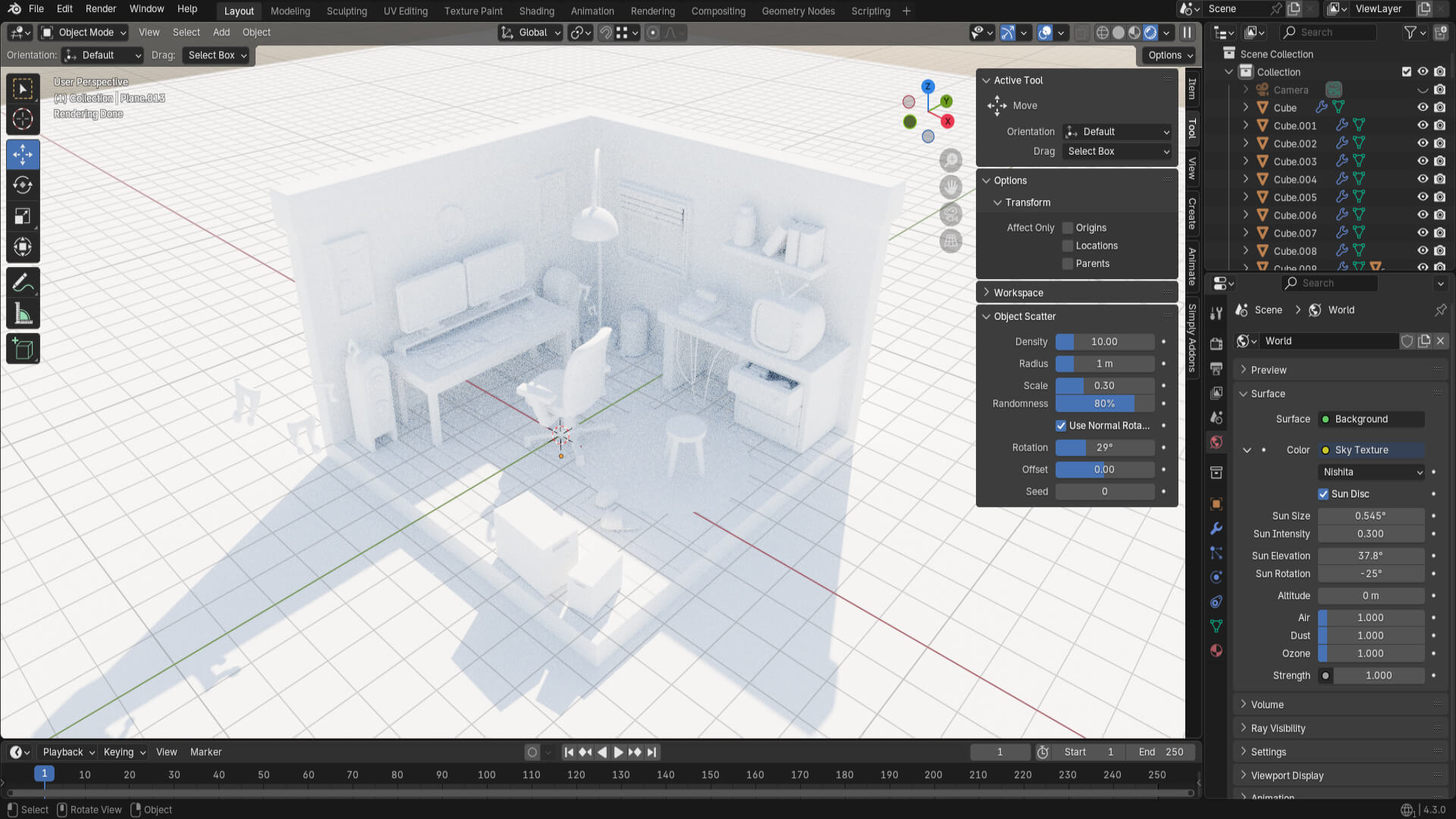
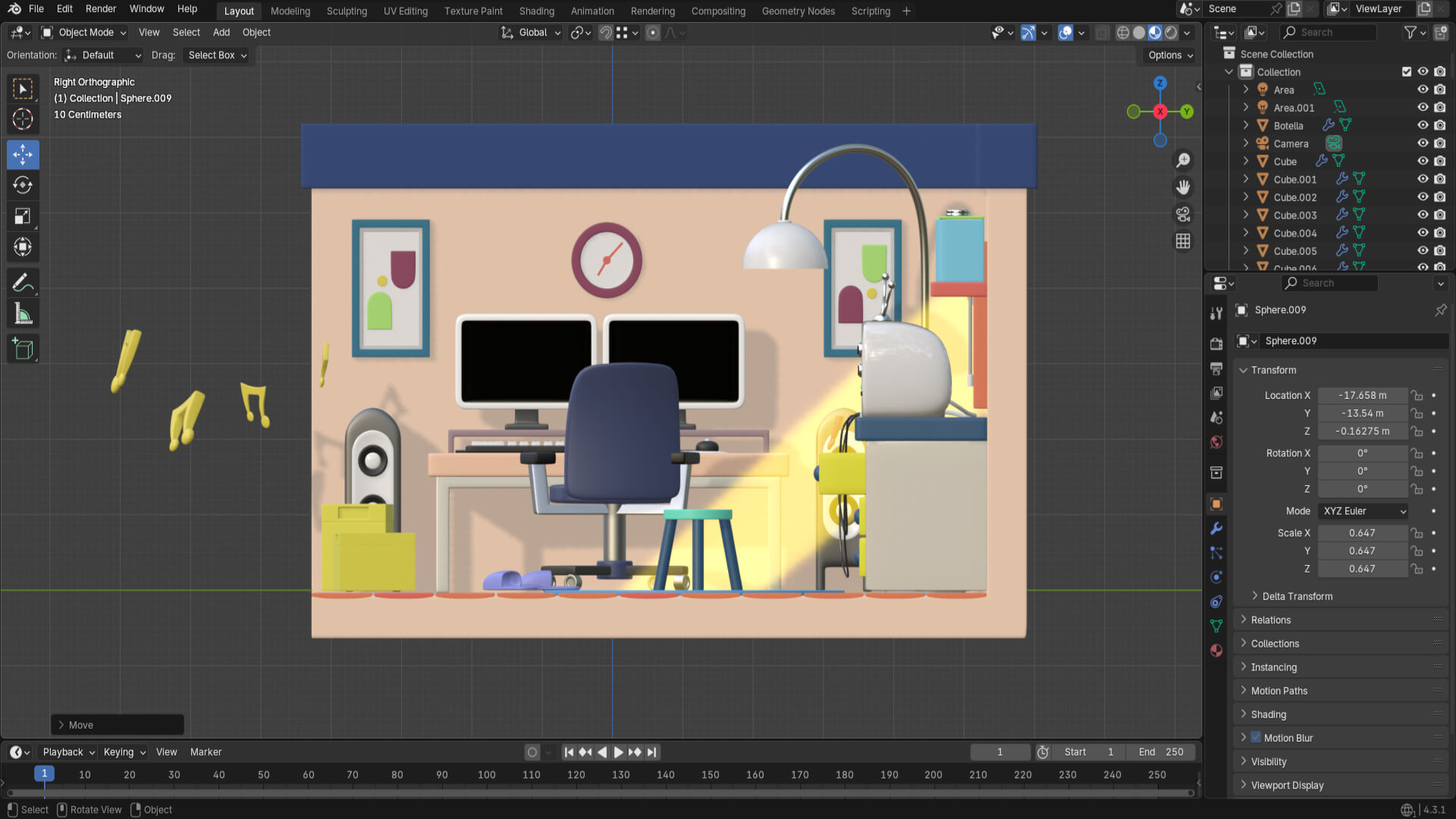
Continuing with the course, I started applying different materials to the objects in the room! But first and foremost, an important pillar: configuring the rendering engine. In this case, the Cycles engine in Blender was used, which employs realistic lighting, also known as Ray Tracing.
After configuring the engine, I simulated a sunny day by modifying the sky values so that light enters through the room’s window.

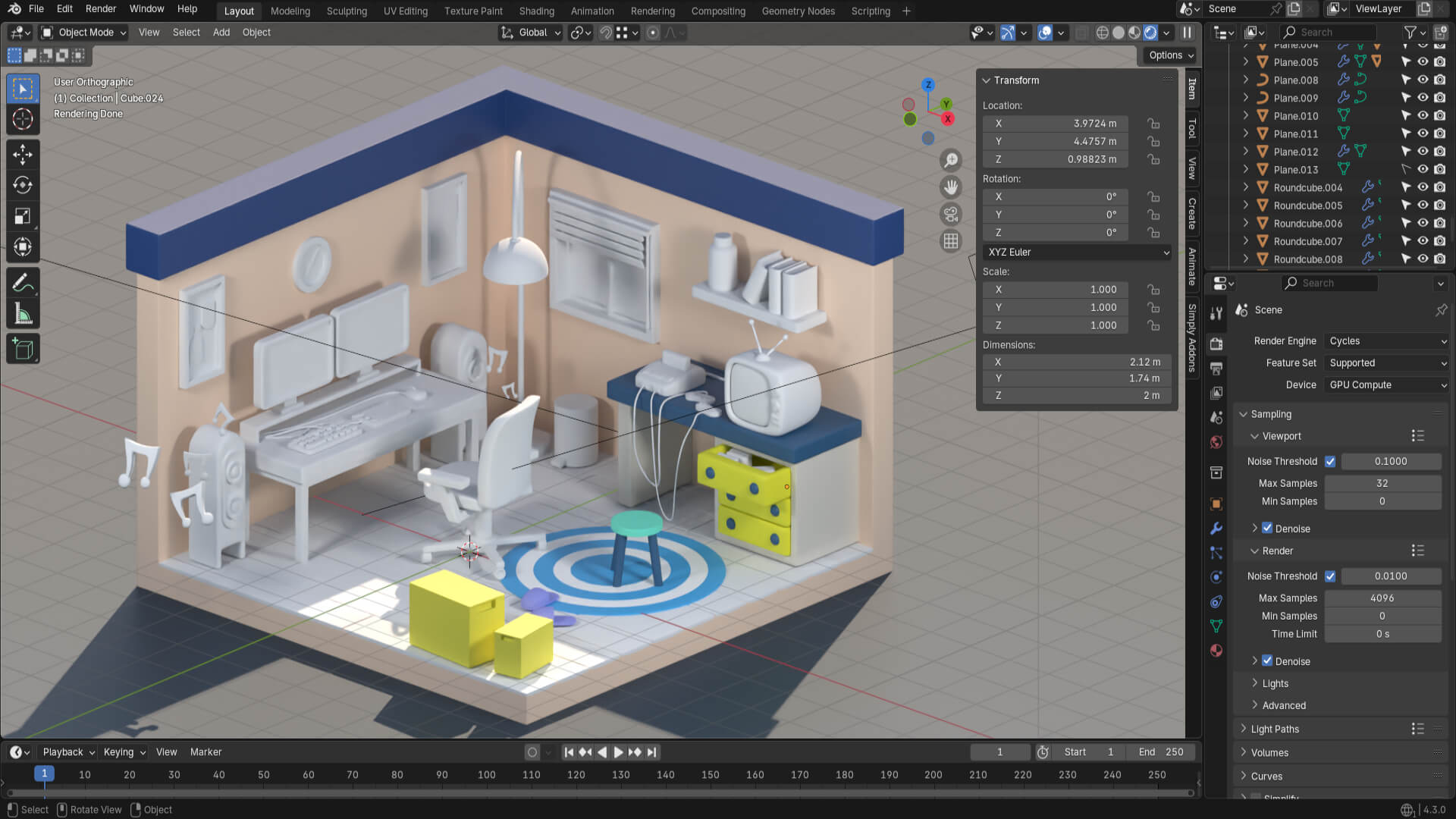
And now, one of the most fun parts: adding color to the scene! Applying materials to the objects, whether it’s just color, metallic, or translucent.
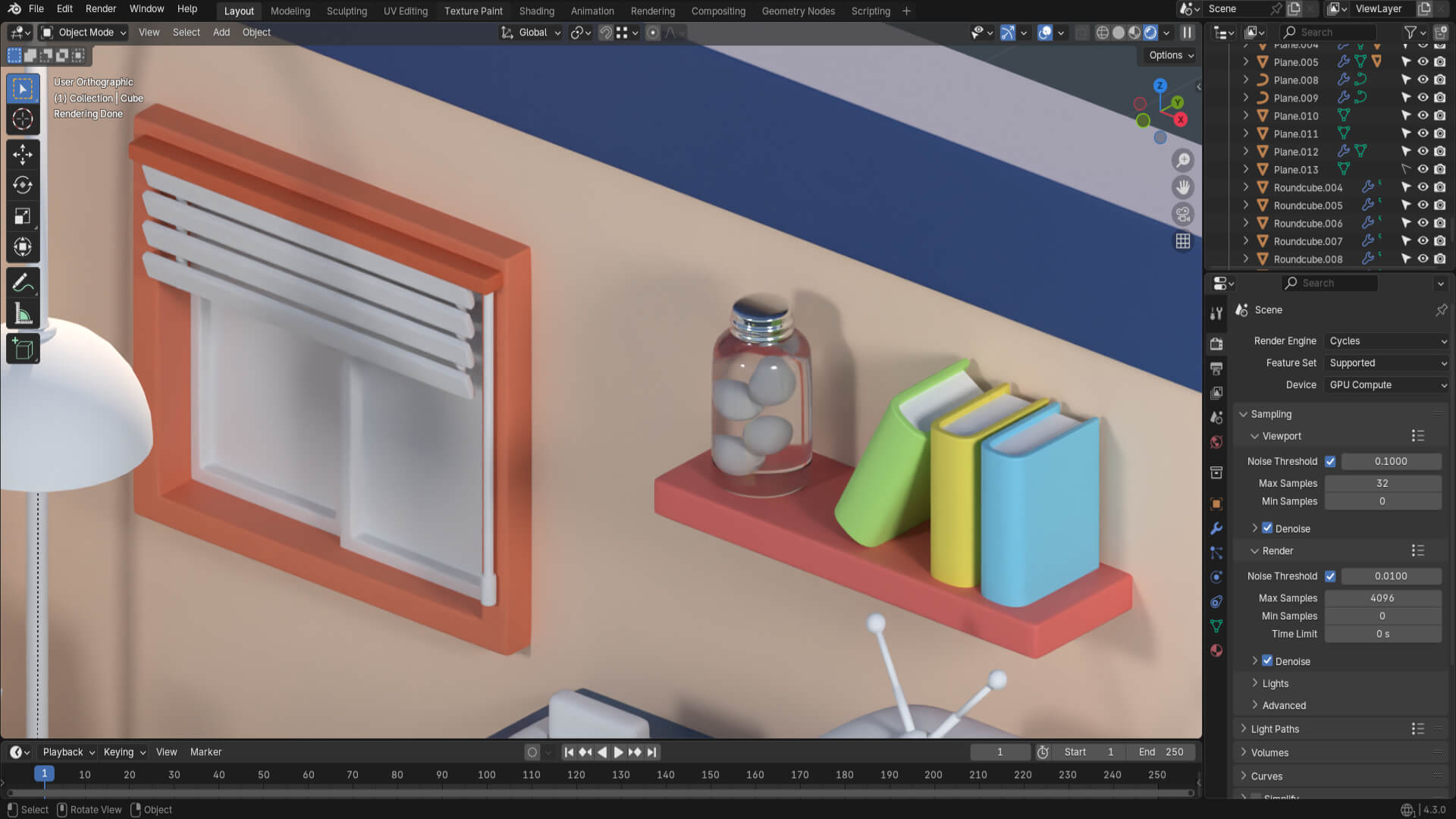
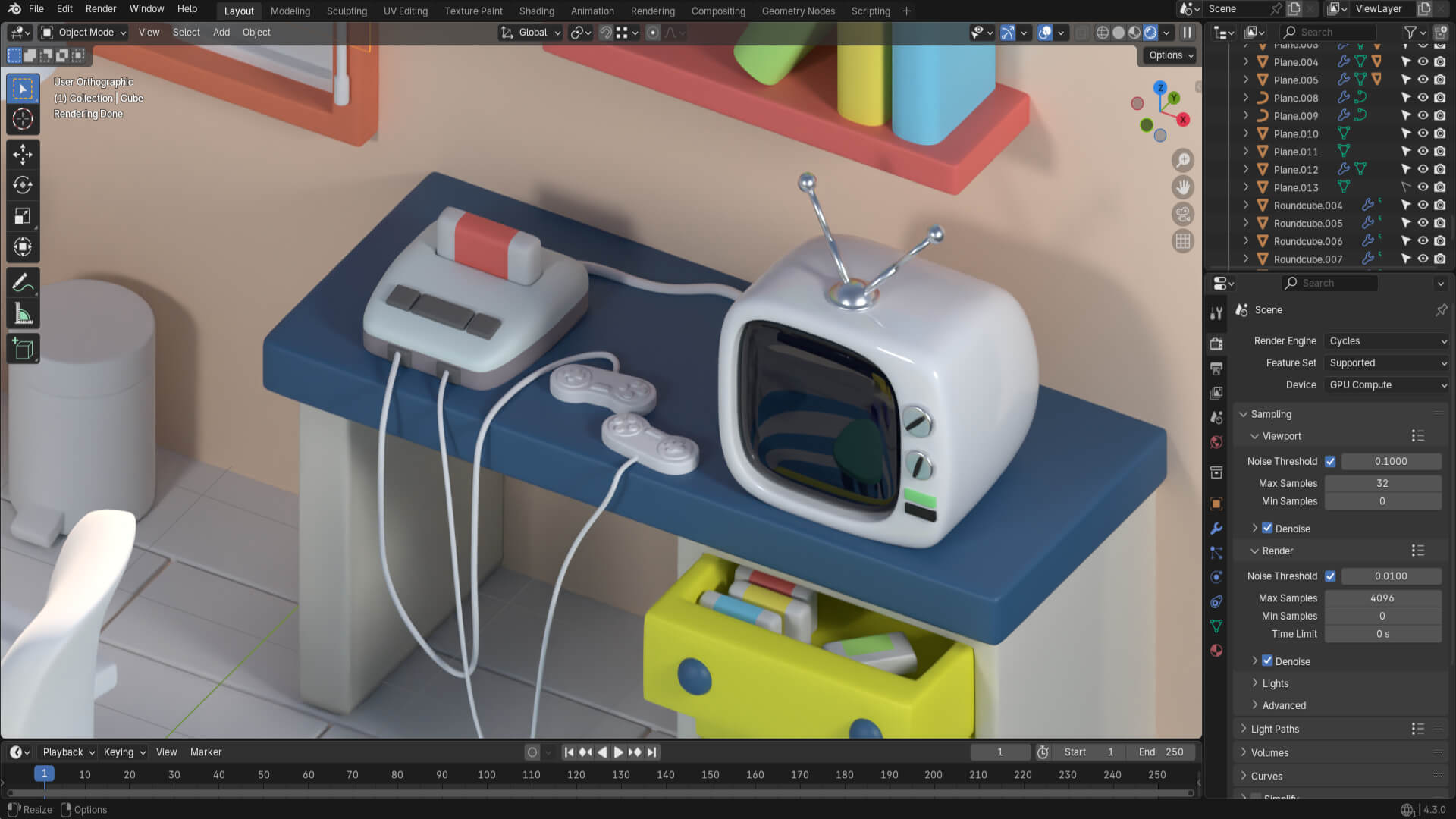
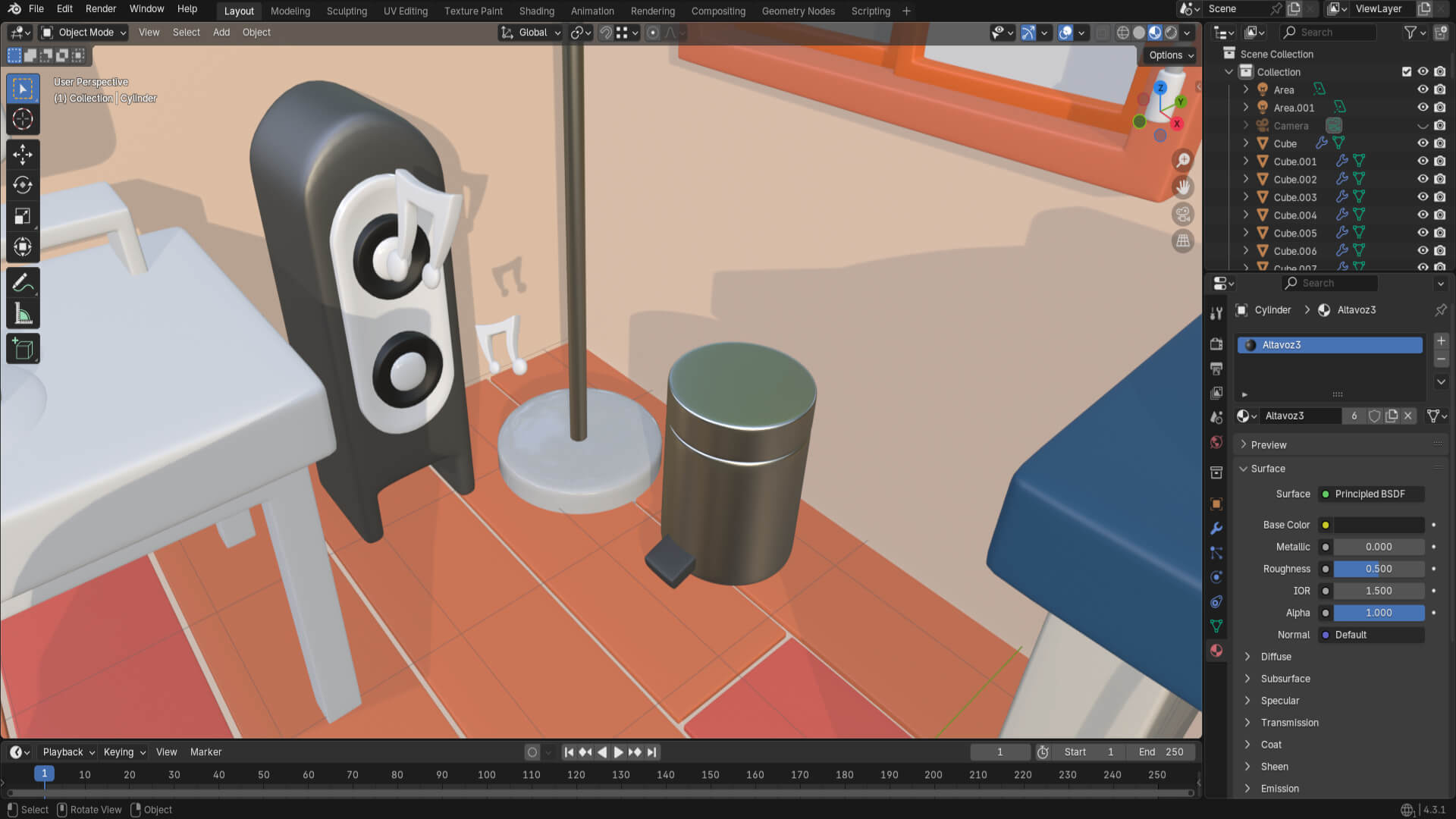

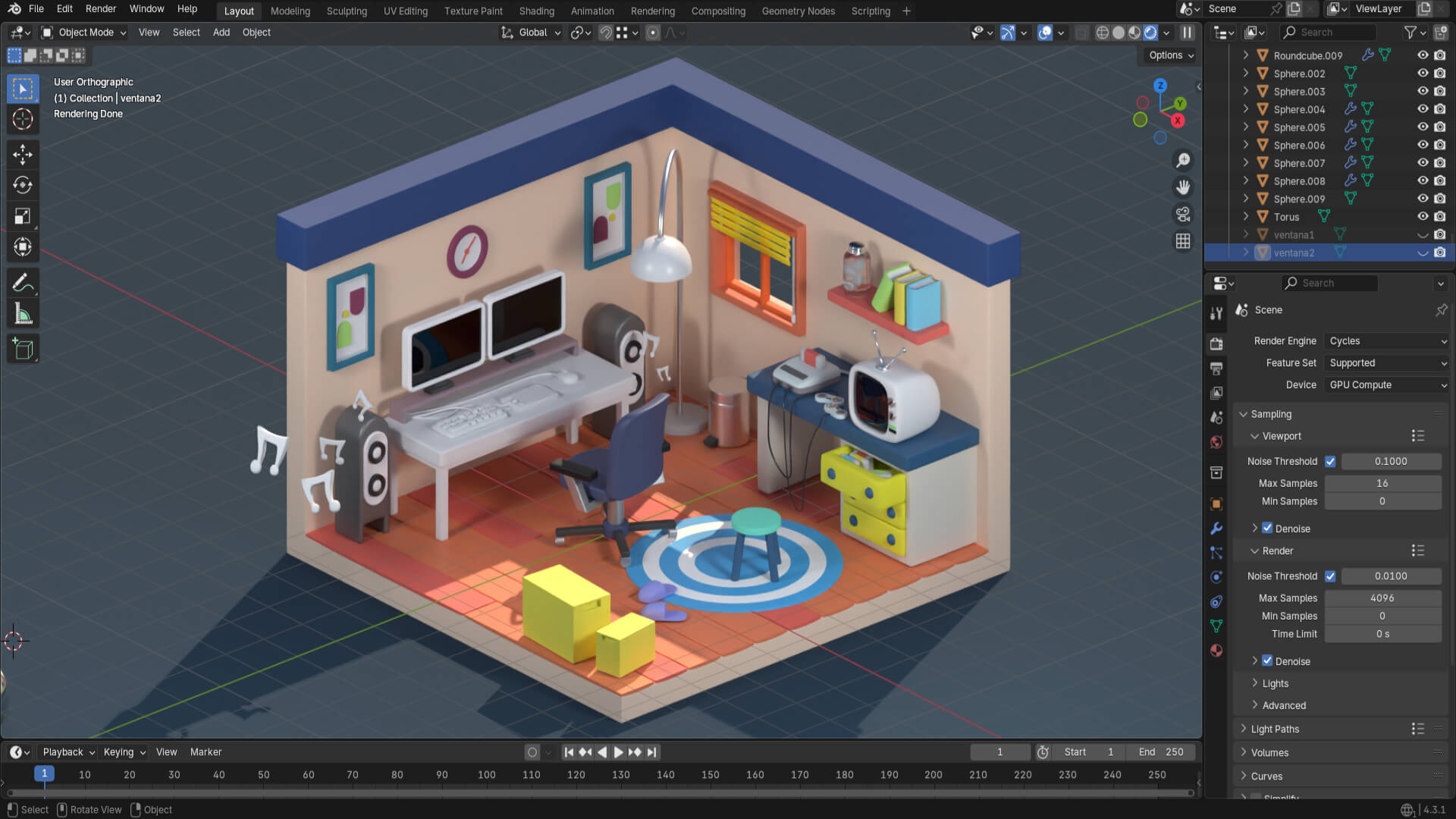
After applying all the materials, I added a volumetric light that enters through the window to give it a final touch. Then it was time to configure the renders, and the diorama is almost finished.
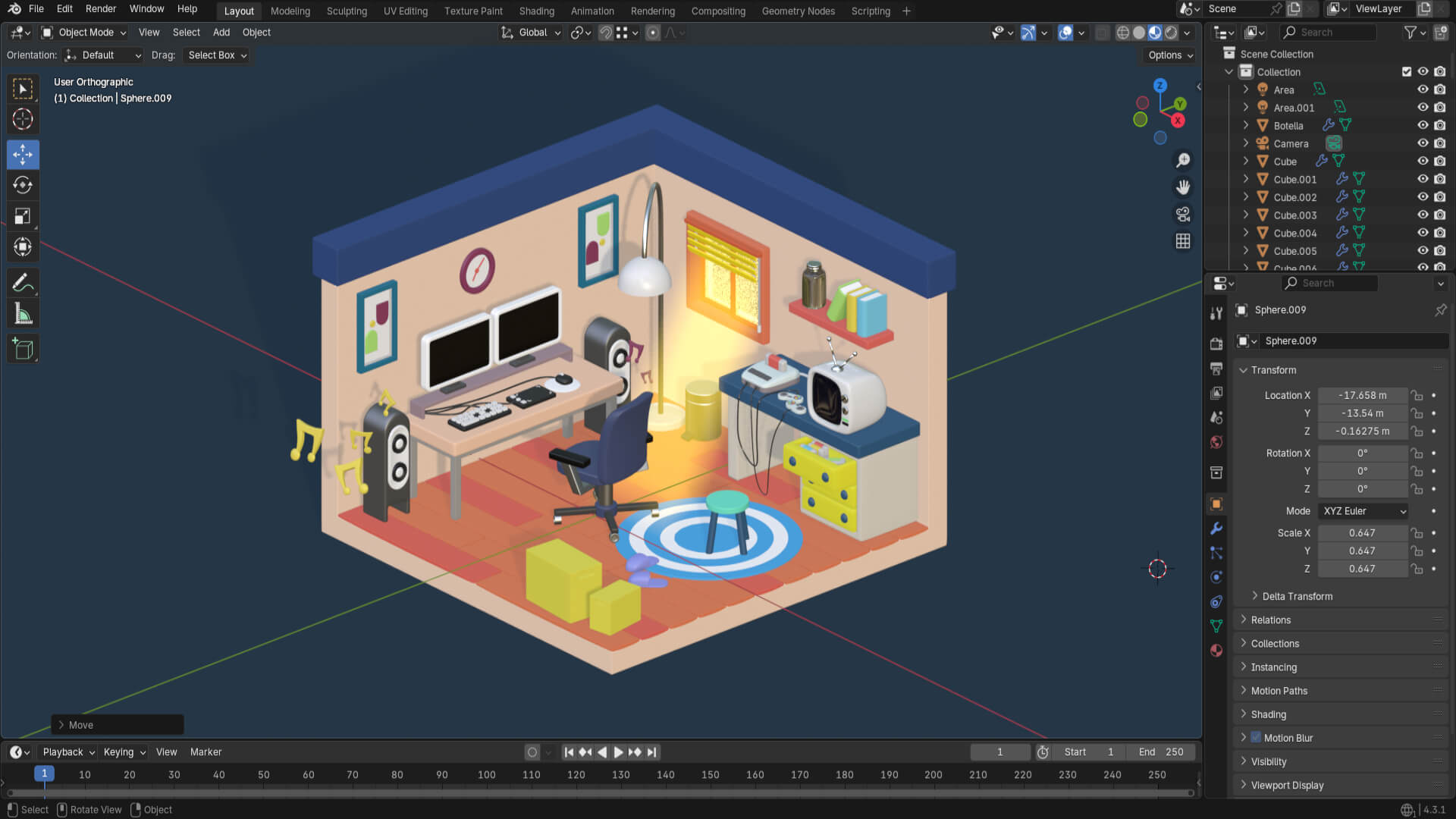


More content coming soon!
Descubre más desde DrixPell
Suscríbete y recibe las últimas entradas en tu correo electrónico.
 DrixPell